...
By default a product review entered by a customer will be displayed immediately in the “Product Reviews” section.
View
One can view all reviews entered by customers in the “Product Reviews” section.
...
In order to see a product for which the review is entered on your website one need to click on the “Go to Review” button in the “Actions” column.
...
In order to approve reviews individually one should take the following steps:
Click on click the “Approve” button in the “Actions” column.
...
After doing so, reviews are perceived as processed and will be removed from the list.
Delete
In order to delete reviews individually one should take the following steps:
Click on click the “Delete” button in the “Actions” column.
...
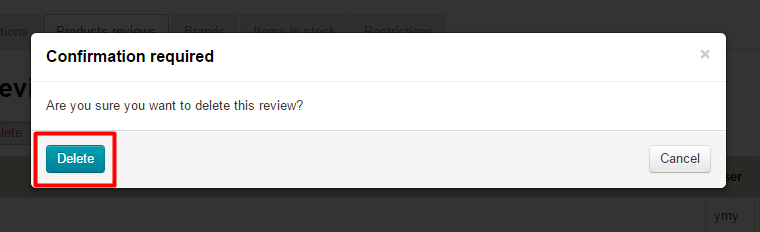
A confirm screen will appear asking if you are sure you want to delete the selected review. Once you click “Delete” the review will be deleted.
...
In order to delete reviews as a group one should take the following steps:
...